EARLY ACCESS: Free for 2026

YOUR B&W WORKFLOW, SYSTEMATIZED.

Spend more time capturing B&W film images and less time calculating exposure, looking up development times, and organizing your negatives.
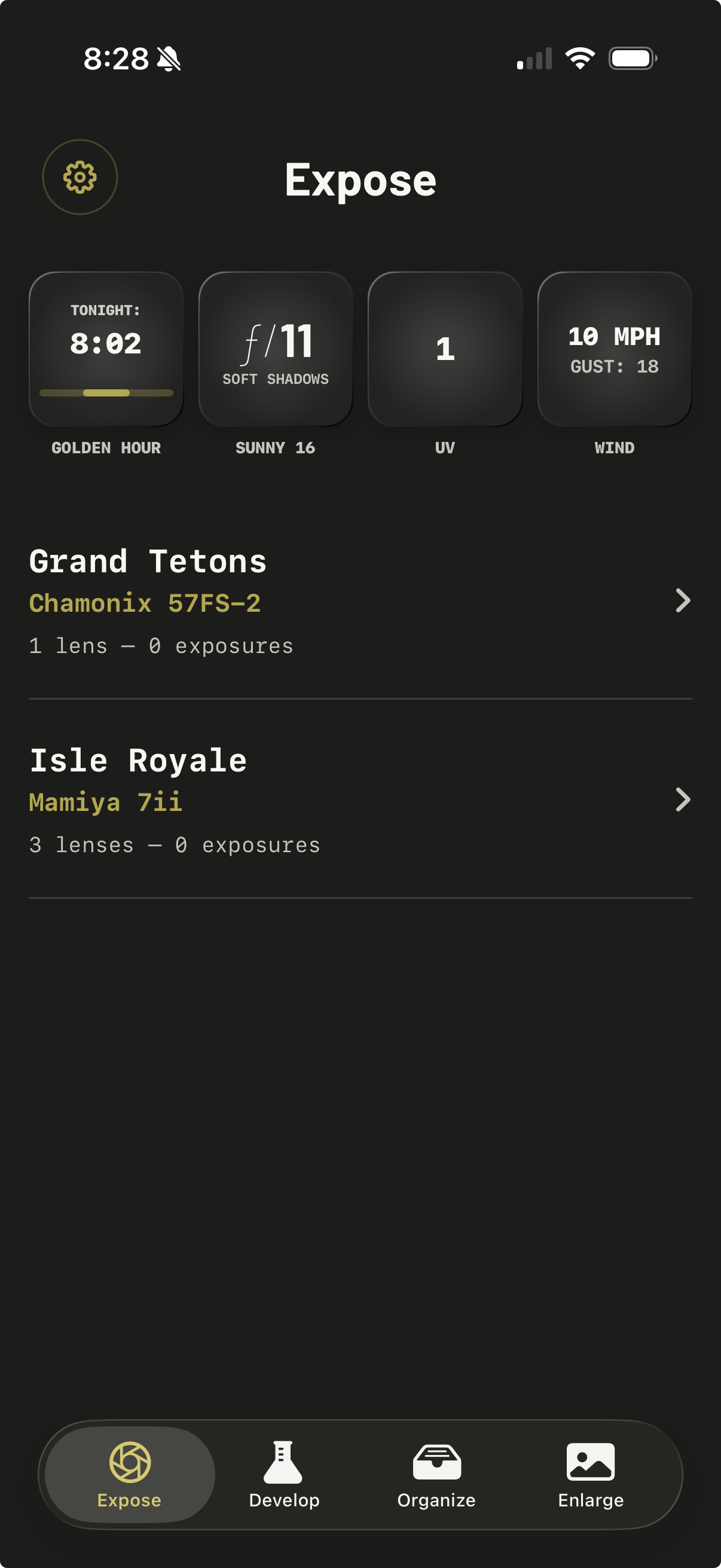
iOS app for field & darkroom use Zone System made simple Track your gear Set up photo shoots Develop and enlarge Exhibit your work
IOS APP FOR FIELD & DARKROOM USE
WE HANDLE THE BASICS, SO YOU CAN

FOCUS ON PHOTOGRAPHY.

EQUIPMENT 1

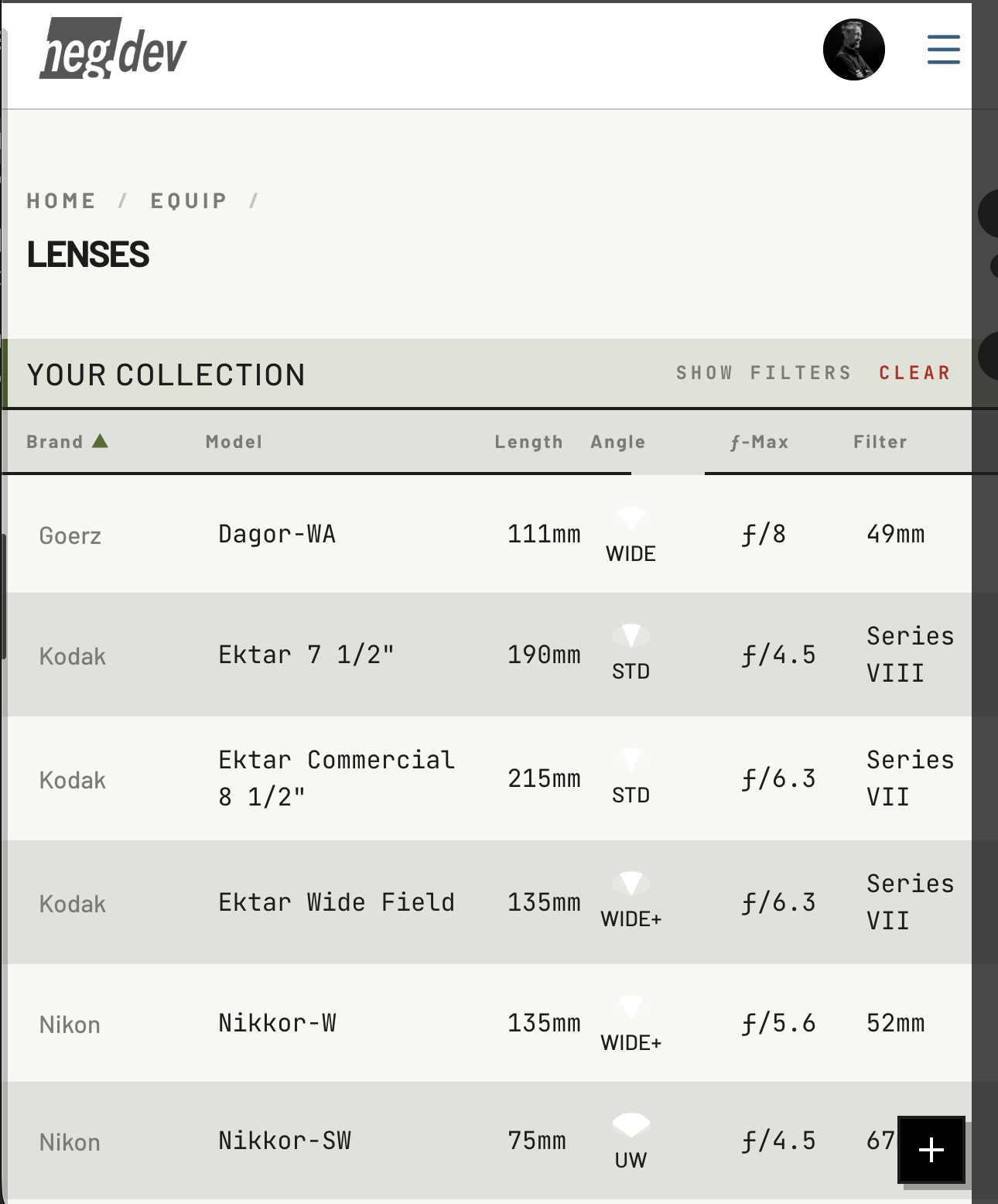
Manage Your Gear

Find your cameras, lenses, and more from our comprehensive list of analog gear, and tell us about the copy in your collection (condition, serial number, etc.) You can pick from your collection any time you set up a new photo shoot.

PHOTO SHOOTS 2

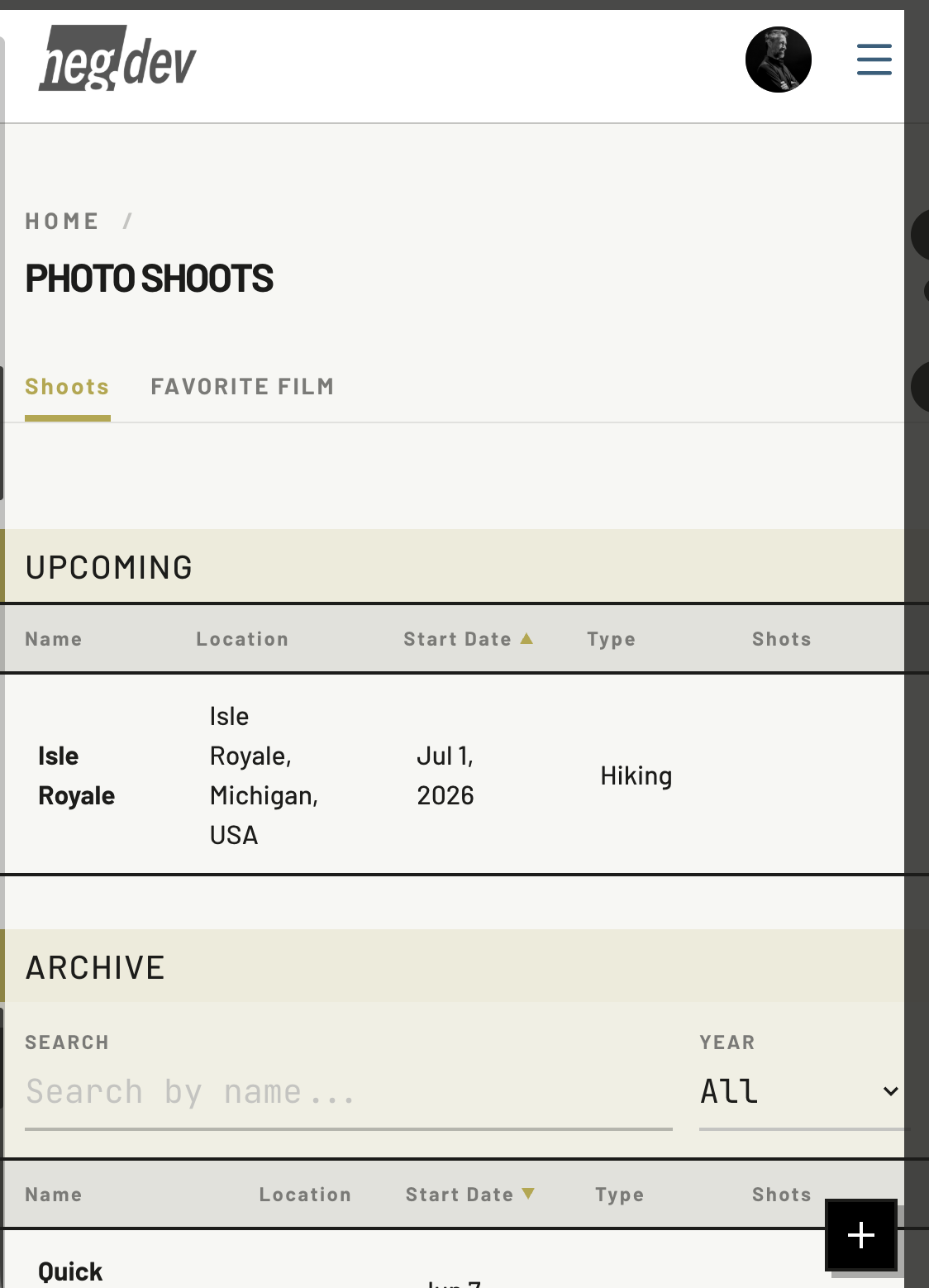
Plan Photo Shoots

Before your next shoot, take a moment to pick your camera, lenses, and film. We'll use this to help you track your exposures and negatives so you never wonder, "hey, when did I take that shot?" or "what lens was that?"

COMPOSITION 3

Frame Your Shots

Use your phone's camera to visualize and crop, using the exact field of view and aspect ratio of your equipment. Store a preview of your exposure, including notes about the scene.

EXPOSURE 4

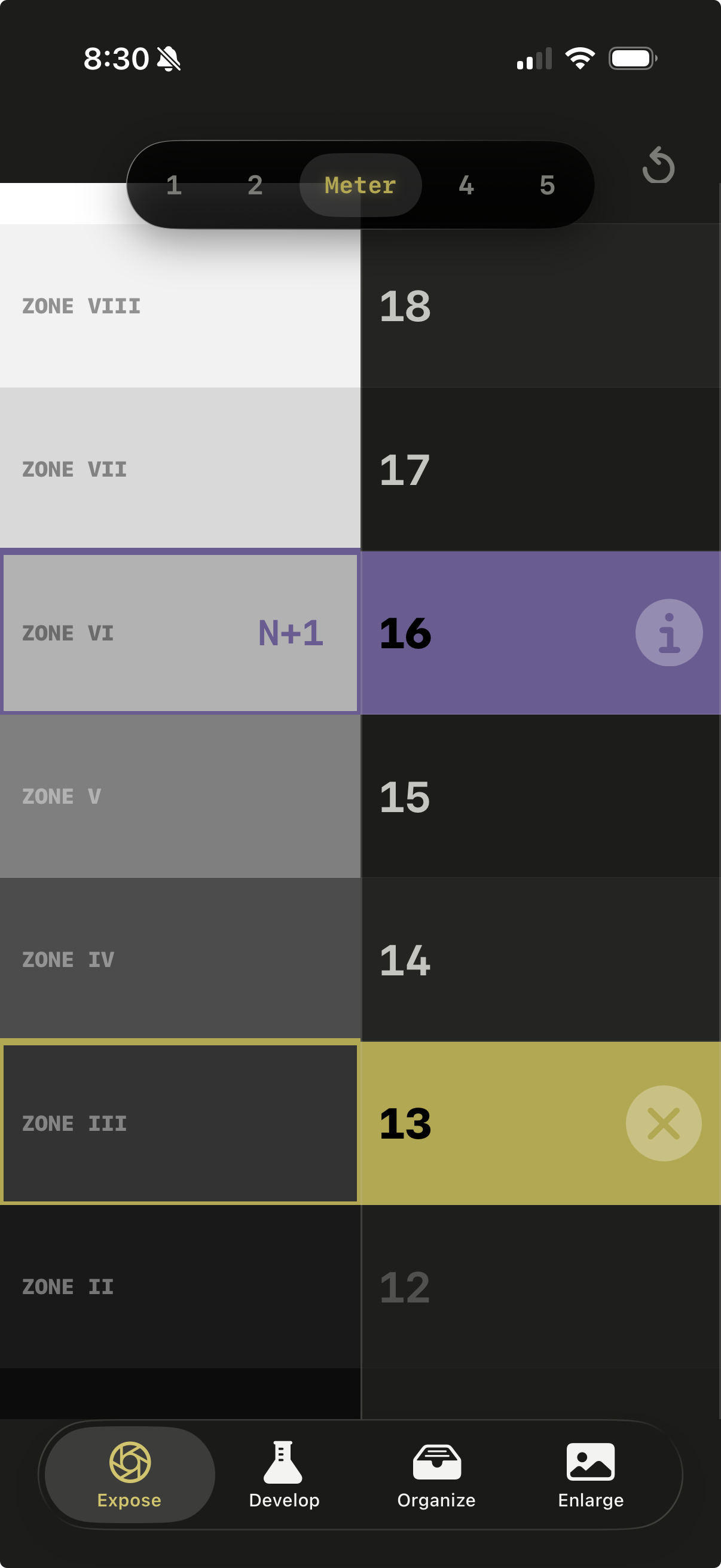
Zone System & Metering

It's never been easier to use the Zone System or meter, including programmatic exposure shifts, +/- compensation, bellows extension, and reciprocity failure compensation.

IN THE DARKROOM 5

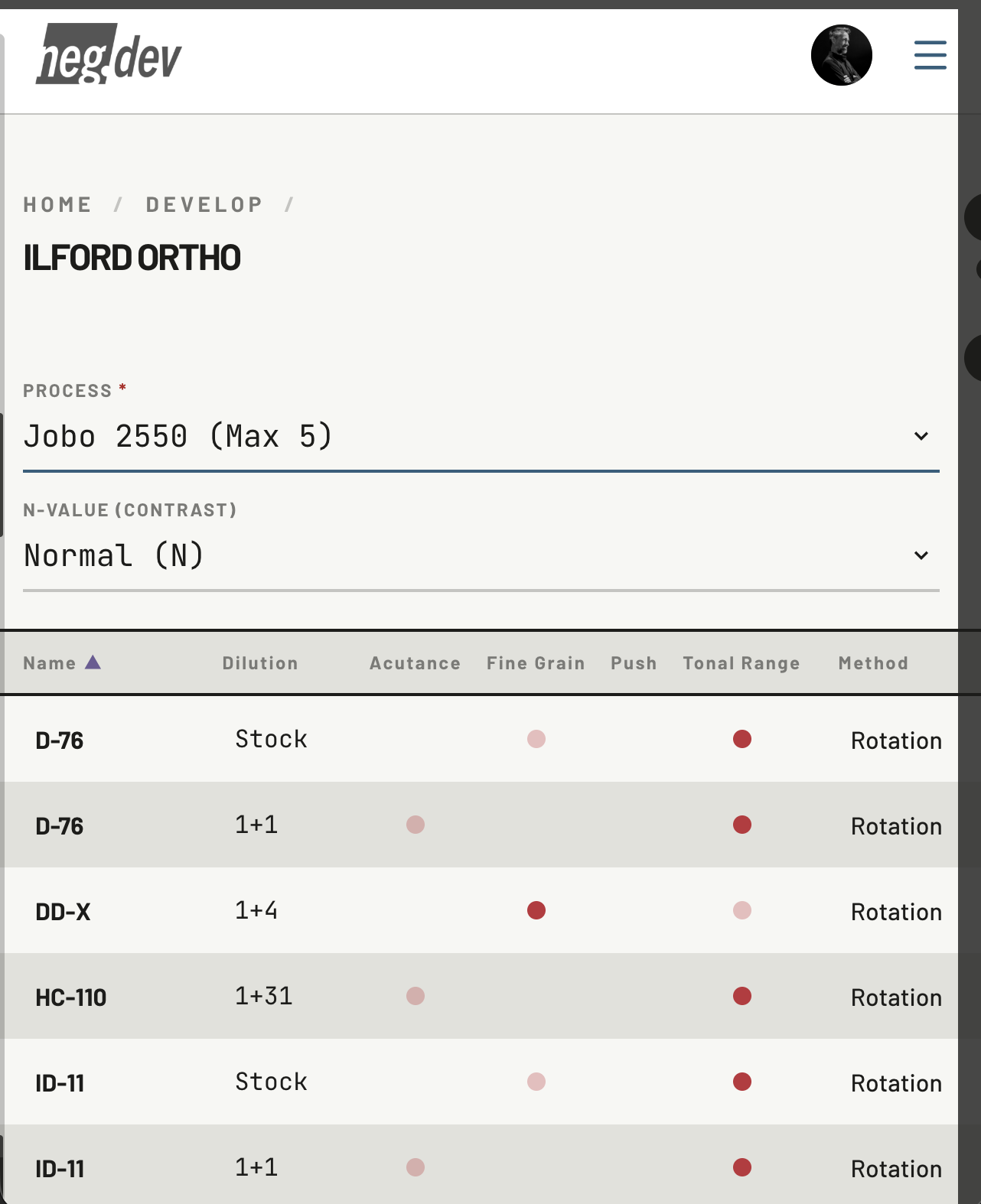
Develop Negatives

Choose batches of film to develop by hand or using a Jobo processor. Select your preferred developer, then mix and time every step with ease. Supports contrast and push/pull processing.

SEAMLESS ORGANIZATION 6

Review And Organize

Whether you print, scan, or digitally capture your negatives, start by snapping a quick contact sheet with your phone, and optionally print a QR code label. Your negatives are now linked to their specific exposure records, seamlessly tracking the shoot, gear, framing, and exposure details.

IN THE DARKROOM 7

Track Enlargement Settings

Whether you use a Splitgrade Heiland or more traditional system, keep your laptop on the enlarger baseboard (using our full safelight mode, which will not harm film). Crop, dodge, and burn, tracking each version as you go.

CHEMISTRY MANAGEMENT 8

Automate Your Darkroom

Connect Flic buttons and just tap to advance your prints from tray to tray while we time everything for you. We also track chemistry exhaustion. And when you pull that print out of the wash, take a quick snapshot and mark up your next round of enlargement edits.

LIGHTROOM INTEGRATION 9

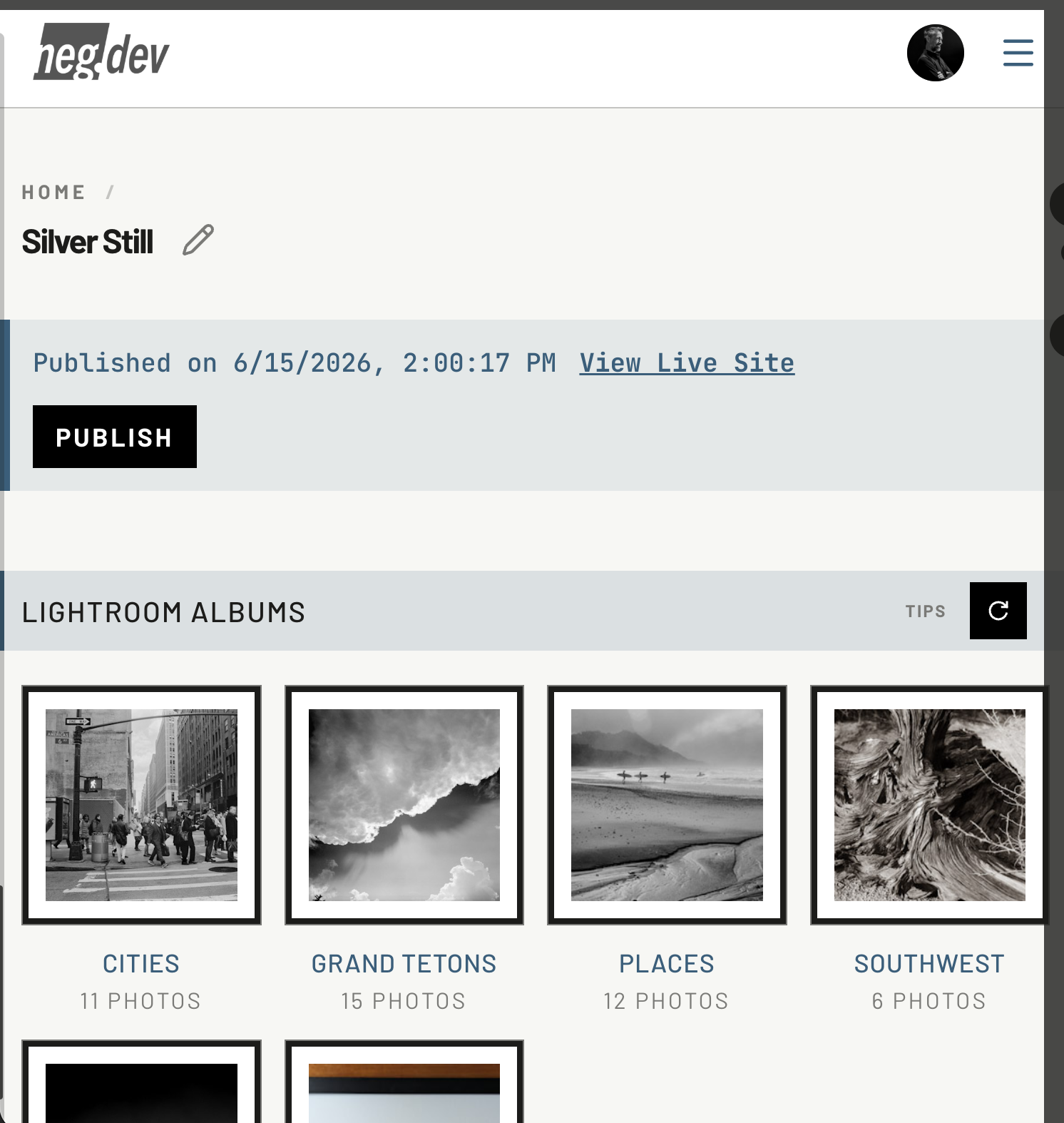
Connect to Lightroom

If your full workflow includes Adobe Lightroom, just connect your account and we'll automatically grab a special folder in your catalog to let you review and build a photo gallery.

SELL YOUR ART 10

Take Payment & Track Sales

Your online gallery isn't just for show... set prices, and let Stripe handle the rest. Sell directly from your online gallery, or print a QR code to affix to your displays and we'll seamlessly process Stripe payments and track your orders.

SIMPLE LOW PRICE,

UNLIMITED USAGE.

EARLY ACCESS

UNLIMITED

$4.99/mo
$0.00
Free for all of 2026

As an early user, get full access to all current features, no credit card required. You will also be eligible for a special discounted price of $2.99/mo starting January 1, 2027.

Create Your Account
BUILT FOR PHOTOGRAPHERS,

BY A PHOTOGRAPHER.

I've been making B&W film photos for 30 years. I built neg.dev for myself because I needed a place to track my equipment, record exposures, and manage my film development workflows. Along the way, neg.dev was born.

I work in all film formats from 35mm up to 11x14. I use the Zone System for sheet film, love 6x6, and often use the Sunny 16 rule for 35mm. My home darkroom includes both manual tanks and a Jobo CPP3, and I use traditional and Heiland Splitgrade enlargers. I've dabbled in almost everything over the years, and lately have realized the joy of photography is in the stories and memories we create, not the pedantic workflow details. Craft matters, but it serves our vision — so neg.dev is here to help, not constrict.

To see some of my work, visit my gallery. Of course, it's built using neg.dev's "exhibit" feature.
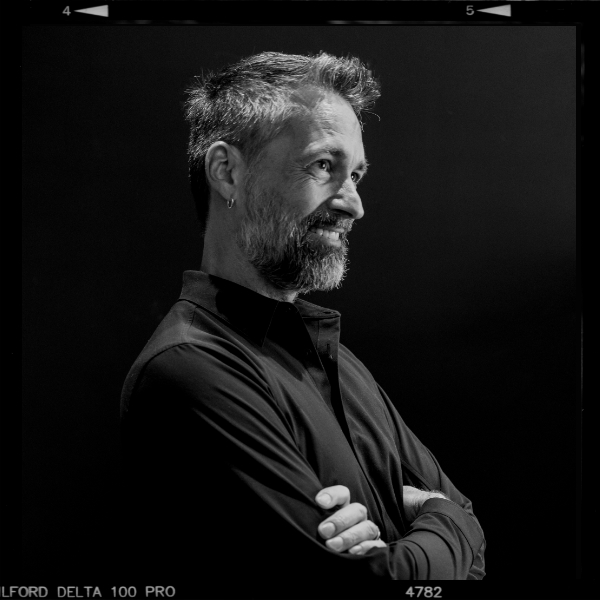
JOHN CAINE
JOHN CAINE
PHOTOGRAPHER & CREATOR OF NEG.DEV